¶ How to add sub-users via panel
This guide will show you how to add sub-users to your panel, so your staff team/co owners can access the server!
¶ Step 1
Access your panel at panel.alryrixcloud.org.
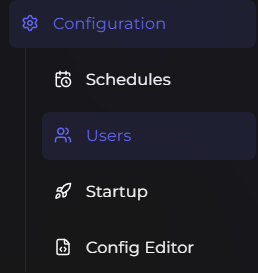
Navigate to under the Configuration tab, and press Users.
Then, press Add new user.
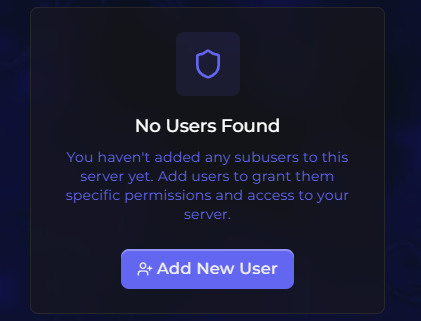
Finally, enter their email and, they will get an email which invites them to create an account & access the panel, on this menu after pressing add new user you can configure their controls and permissions.