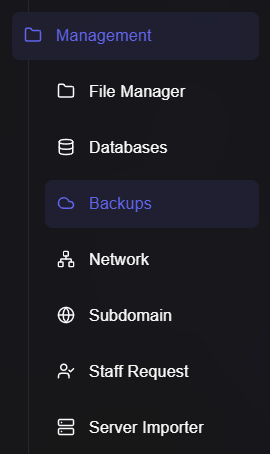
¶ Backup Creation
This guide will teach you how to create a backup on your game panel
¶ Create a backup
Next, we need to create a backup.
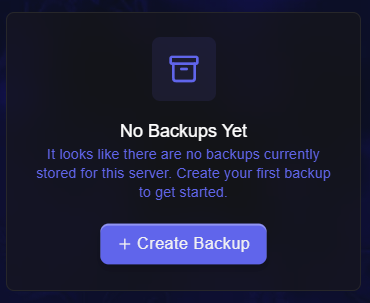
Click "+ Create Backup".
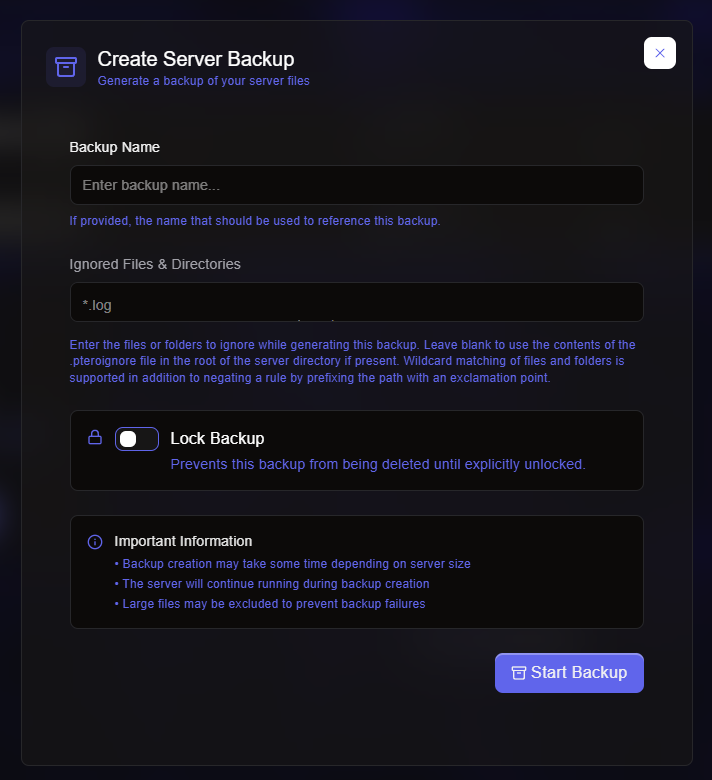
You can now configure the backup to your liking, then press "Start Backup", it may take a while depending on your server size, however will be saved into the Backups tab in your panel once completed.
There are multiple options when creating a backup, such as locking the backup, preventing it from being deleted by subusers until you have unlocked it yourself.
The "ignored files & directories" option is where you can exclude certain files with the same file extension.